
A number you can trace back to the page.
Titer keeps the original, the reading, and the history together. It is for general education and record keeping, not medical advice; talk to a clinician about your results.

Start with the report you have
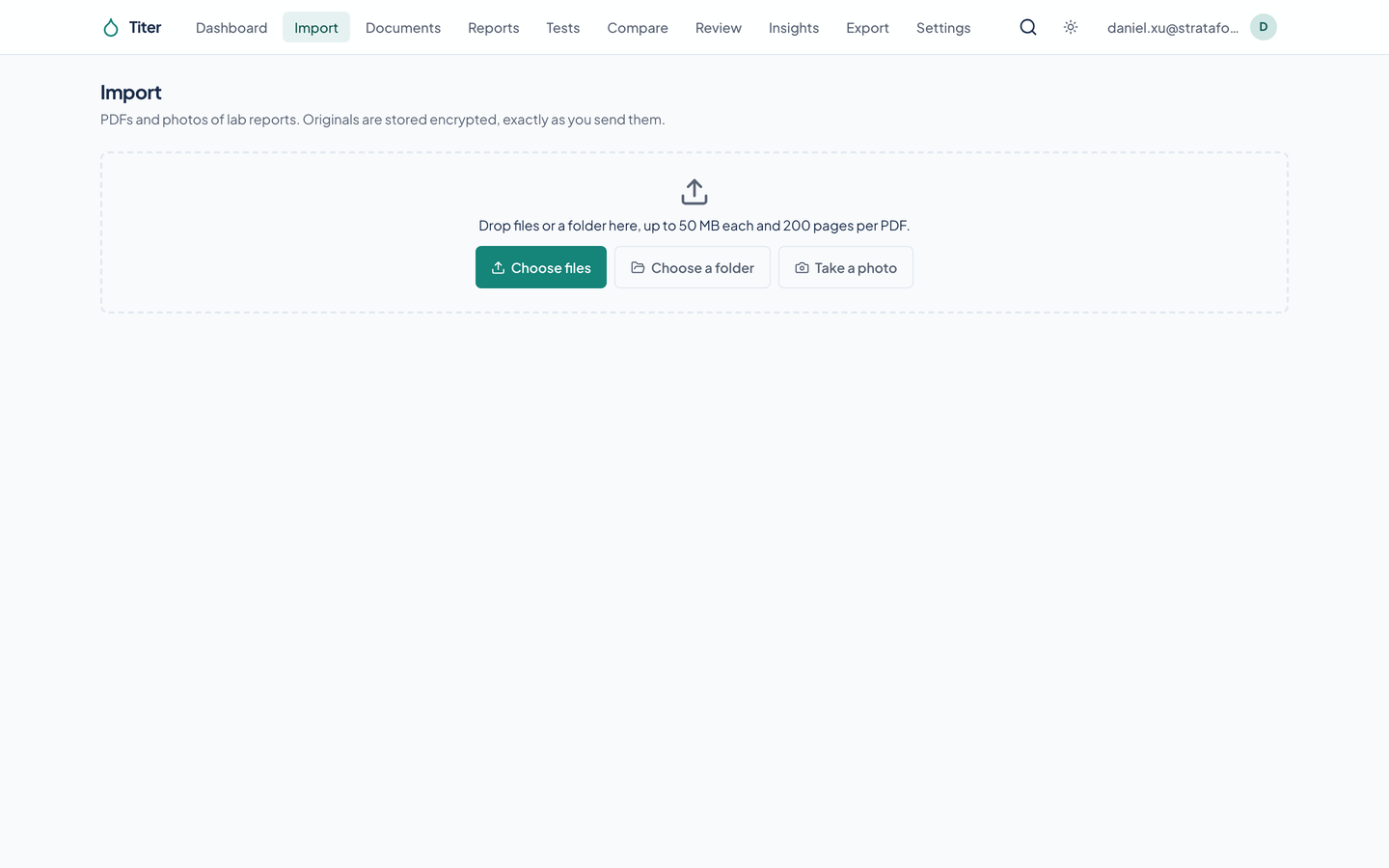
Add a PDF, scan, or photo. Several photos can become one document in page order. Titer stores the original bytes encrypted before reading, and identifies duplicate content within the account without using a public content hash.
Check the reading before accepting it
Read
Extract the lab’s printed values
Verify
Find the reading on the PDF’s text layer
Match
Try known test aliases and compatible units. Check dates
Review
Leave disagreements and uncertain matches for a person to resolve beside the page.
The screenshots use recorded extraction replies from synthetic fixtures. They show the real pipeline and app, not a benchmark of live model accuracy.
Keep what the lab printed
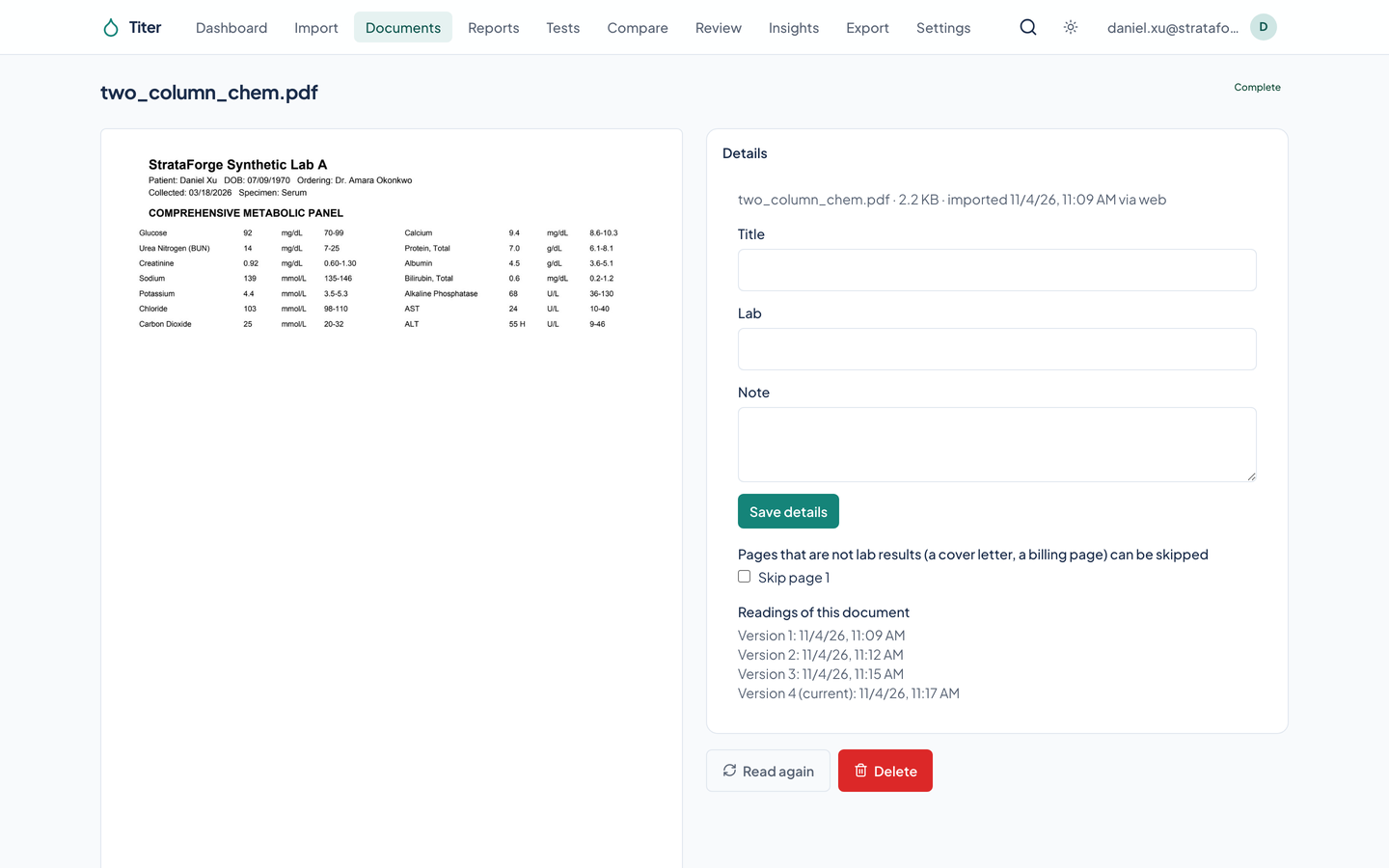
The normalized result sits beside the as-printed fields. A unit conversion never replaces the original value. A re-read creates a new extraction version. Selecting a chart point leads back to its source page.
Take the records to a conversation
Choose a summary PDF, CSV, FHIR R4, or a full archive. The PDF can attach original reports. Titer can also request a written analysis grounded in the stored results; this showcase omits analysis images because its capture client supplies deterministic test prose.
Titer is for general education and record keeping, not medical advice; talk to a clinician about your results.
Capture from an iPhone
The iOS client includes a document scanner, photo and file pickers, an upload queue, charts, a review queue, and export sharing. An app lock gates access. This description comes from the implemented client; no native-client images or device-test claims are presented here.
Questions about this tool?
Write to Renkara Media Group and a person will answer.